Set up your household
- On first launch, choose “Set up”.
- Enter your names. Alone works too.
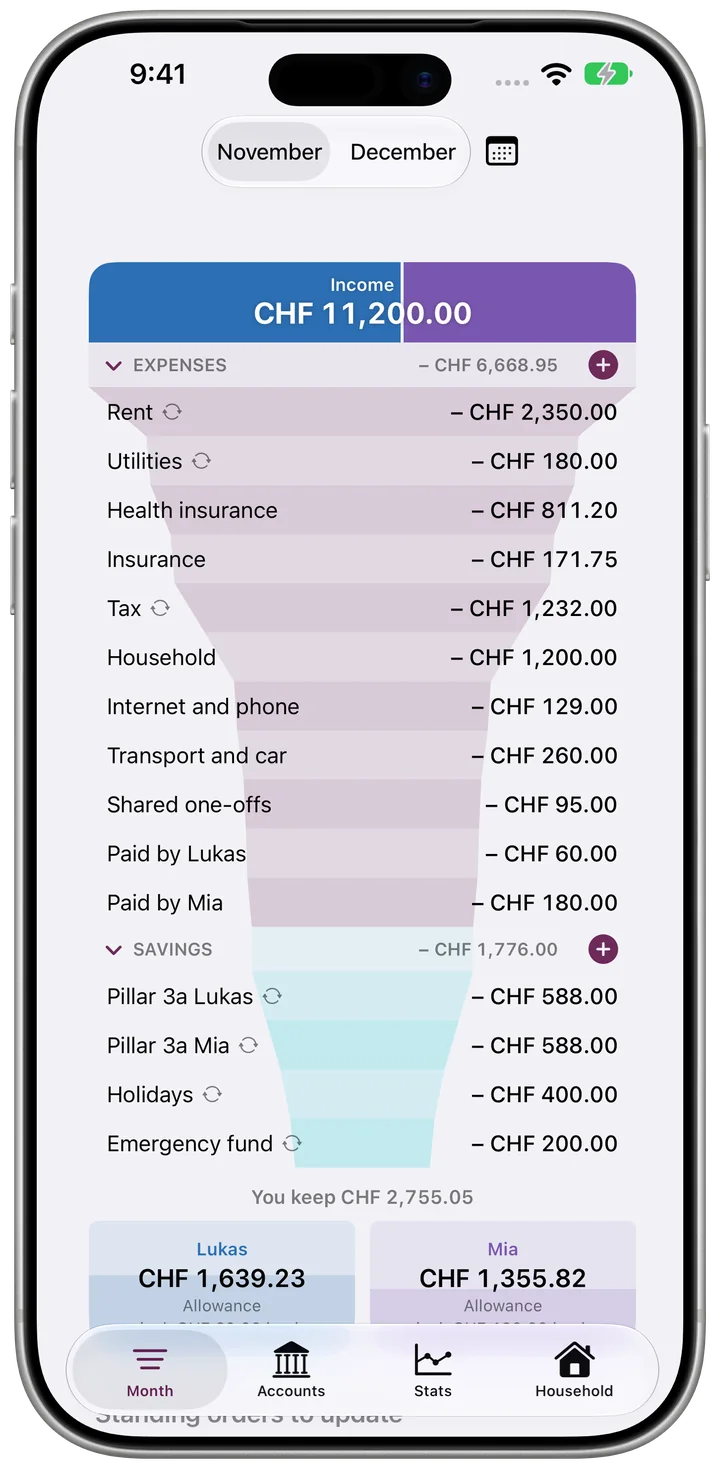
- Enter the net paychecks and the big fixed costs. The funnel is ready right away.
 Trichterli
First steps, guides and the most common questions. Anything else by email.
No. There is no sign-in. The household is on your device and, if you are signed in, in your iCloud.
In the Household tab, tap “Invite your partner” and send the link. Whoever opens it sees and edits the same household on their own iPhone. Both need their own Apple ID with iCloud.
The funnel for the current and next month, accounts with QR bills and sharing are free. Pro unlocks stats, past months and planning twelve months ahead, as a one-time purchase with Family Sharing.
On payday. Set the day in the Household tab.
Delete the app. For the data in iCloud: in iPhone Settings under iCloud, delete the data of Trichterli.
In the Household tab, tap “Trichterli Pro” and choose “Restore Purchases”. You need the same Apple ID as for the purchase or a member of the same Family Sharing group.
A question, a bug, a wish: write to us.